
The Myth of the 'Still Pew'
Back when I wrote code for a living, there was an unspoken rule in user interface design: whenever users repeatedly stumble, the problem is almost never the user. It’s bad architecture. As engineers, we loved assuming that every user operated on identical, high-spec hardware with pristine network connections.
And then, reality set in.
Pastors make the exact same mistake. The truth we don’t want to face is that our sanctuaries and liturgies were largely engineered for a single hardware profile: an auditory-only, neurotypical adult who can sit motionless on hard oak for forty-five minutes straight. Deep down, every preacher secretly wants a congregation gazing raptly at the pulpit, hanging on every syllable.
Instead, real life happens. Little legs kick pew backs. Minds wander. Folks check the time.
So what do we do? We guilt people. We assume that if someone isn't sitting like a stone statue, they aren’t reverent. But God always meets human beings where they actually are—not where our clerical vanity wishes they were.
The Friction Between Tech Efficiency and Bodily Presence
Now, whenever you bring technology into a conversation about worship, church folks tend to split into two predictable camps.
On one extreme, you have the techno-phobes who declare that anything involving an algorithm is soulless automation. On the other extreme, you have church-growth types who want to install stadium lighting and turn the sanctuary into an interactive cinema.
Both miss the mark.
Wesleyan theology is deeply incarnational. Faith must have dirt on its shoes. It has to inhabit actual bodies sitting in actual rooms on a rainy Sunday morning. If our worship requires an eight-year-old child or an adult with ADHD to mentally dissociate just to appear respectful, we have confused compliance with discipleship. Sitting rigidly still is not proof of sanctification. Sometimes, it’s just proof of exhaustion.
What if our digital tools could serve physical, analog presence instead of replacing it? What if tech could lower the sensory bar so more people can actually engage the Word?
What Jackie Andrade's Doodling Study Taught Us About the Pew
This isn’t just pastoral intuition; cognitive science backs it up. In a well-known study by Jackie Andrade on doodling and cognition, participants given a simple, low-effort tactile task while listening to a dull voice retained 29% more information than the group told to just sit and listen.
More recent clinical research on adult ADHD and sensory regulation shows a similar dynamic: tactile and visual anchors don't distract the brain—they keep it from drifting away entirely.
And this isn’t just for elementary kids.
Watch your pews closely this Sunday. It’s the seventy-year-old retired machinist twiddling a pen. It’s the college student with sensory overload. It’s the weary parent trying to catch their breath. All of us. ALL OF US. We long to focus, but our bodies need an on-ramp.
Prevenient grace reminds us that the Holy Spirit is already moving in the nervous systems of the people who walk through our doors. Offering a tactile tool isn't dumbing down the Gospel. It’s an act of basic Christian hospitality that removes an unnecessary stumbling block.
Means of Grace on a 5.5 x 8.5 Slip of Paper
Here is our low-tech, high-touch solution: a simple 5.5 x 8.5 half-sheet slip of paper slipped into the worship bulletin.
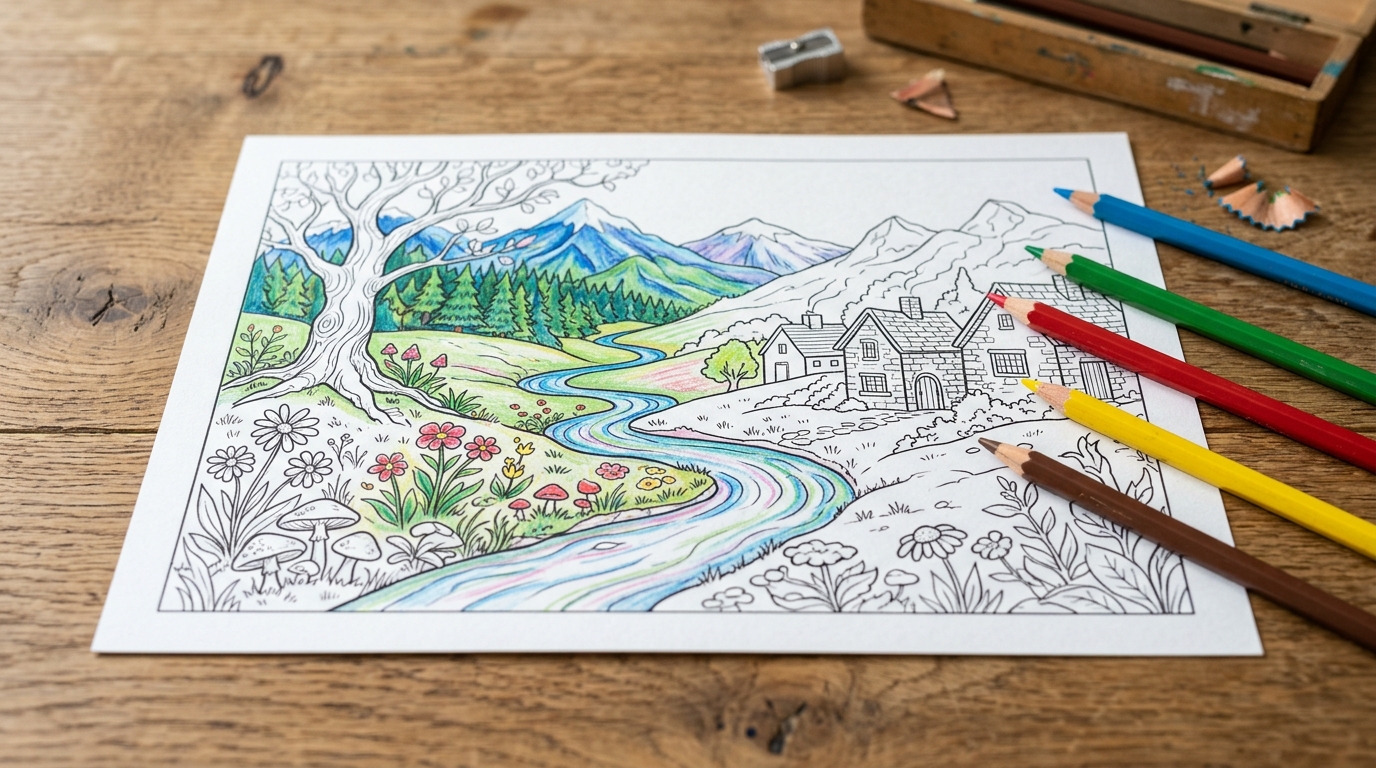
On the front side: a word search built directly around the morning’s Lectionary passage and sermon themes. On the back side: a clean, bold line-art coloring illustration of that same biblical narrative. Pew backs are stocked with coloroed pencels and highlighters.
Think of it as a tangible means of grace. Discipleship doesn't happen through manufactured guilt; it happens through accessible, repeatable practices. When someone circles a word from Romans 8 while listening to the proclamation of the Word, their ears and hands are working in tandem. When an anxious teen colors an outline of Jesus calming the storm, they aren’t tuning out worship. They are holding onto it.
We aren't distracting people from the Gospel. We are handing them a handle to hold it with.
The Five-Minute Thursday Workflow: Prompts and Printouts
You don't need a communications staff or a giant budget to pull this off. You just need five minutes on a Thursday morning.
Here is the simple workflow:
Generate the Word Search: Take 8–10 key theological words from your sermon script and drop them into a generative AI tool with a prompt like:
You are an expert puzzle designer and homiletics curriculum assistant. Create a complete, accurate 15x15 Word Search puzzle based on the following scripture and sermon theme.

Create a 15x15 Word Search puzzle and verified answer key based on the following passage and theme:
- Scripture: [INSERT SCRIPTURE]
- Theme: [INSERT THEME]

Follow this STRICT step-by-step procedure:

### STEP 1: WORD SELECTION
Select exactly 15 words (lengths between 4 and 10 letters):
- 10 words from the scripture text.
- 5 words from the sermon themes.
Output this as an alphabetical bulleted list for the player.

### STEP 2: PLACEMENT & COORDINATE MAPPING
To ensure 100% geometric accuracy:
- Use ONLY two directions: Horizontal (Left-to-Right) or Vertical (Top-to-Bottom). NO diagonal words. NO backward words.
- Assign each word explicit non-overlapping coordinates in a 15x15 matrix (Rows 1 to 15, Columns 1 to 15).
- Output the placement list showing: WORD | Direction | Start (Row, Col) | End (Row, Col).

### STEP 3: MATRIX GENERATION (VERIFIED GRID)
- Construct the 15x15 grid using the exact placements from Step 2.
- Fill all remaining unused coordinate slots with random uppercase letters.
- Display the grid in a monospaced code block with two spaces between every letter for clean printing on bulletin inserts.

### STEP 4: AUDIT CHECK
- Silently cross-check that every letter of each word corresponds to the exact row and column in the printed grid before finalizing.

### STEP 5: PRINTABLE ANSWER KEY
Provide a clear, user-friendly Answer Key section formatted for bulletin printing or leader reference:
- Numbered 1 to 15 in alphabetical order.
- Format: **[WORD]**: Row [X], Column [Y] ([Horizontal Left-to-Right / Vertical Top-to-Bottom]).
Pastoral pro-tip: When pasting your puzzle into your bulletin layout, format the grid with Roboto Mono. Because every letter in a monospaced font takes up the exact same width, your puzzle won't look like a collapsed stone wall.
- Generate the Coloring Art: Open Canva’s image generator (or your tool of choice) and prompt:
"Thick-line black and white woodcut coloring page for church bulletin, story of [Scripture passage], simple line art, no shading." - Print and Place: Print copies on the church copier, drop them by the bulletins.
Don't wait for three committee meetings to approve it. Just run the test this Sunday. Watch who picks them up. You might discover that grace frequently sneaks into worship on the back of a box of colored pencils. (ha!)
Amen to that.
Sources & Further Reading
- What Does Doodling Do? (Andrade, 2010): Classic cognitive psychology study demonstrating a 29% increase in auditory information retention through low-cognitive tactile engagement.
- Adult ADHD and Sensory Regulation in Focused Listening: Clinical perspective on how kinesthetic and sensory inputs assist cognitive focus and prevent auditory dissociation in neurodivergent adults.
Create a 15x15 Word Search puzzle and verified answer key based on the following passage and theme:
- Scripture: [INSERT SCRIPTURE]
- Theme: [INSERT THEME]
Follow this STRICT step-by-step procedure:
STEP 1: WORD SELECTION
Select exactly 15 words (lengths between 4 and 10 letters):
- 10 words from the scripture text.
- 5 words from the sermon themes. Output this as an alphabetical bulleted list for the player.
STEP 2: PLACEMENT & COORDINATE MAPPING
To ensure 100% geometric accuracy:
- Use ONLY two directions: Horizontal (Left-to-Right) or Vertical (Top-to-Bottom). NO diagonal words. NO backward words.
- Assign each word explicit non-overlapping coordinates in a 15x15 matrix (Rows 1 to 15, Columns 1 to 15).
- Output the placement list showing: WORD | Direction | Start (Row, Col) | End (Row, Col).
STEP 3: MATRIX GENERATION (VERIFIED GRID)
- Construct the 15x15 grid using the exact placements from Step 2.
- Fill all remaining unused coordinate slots with random uppercase letters.
- Display the grid in a monospaced code block with two spaces between every letter for clean printing on bulletin inserts.
STEP 4: AUDIT CHECK
- Silently cross-check that every letter of each word corresponds to the exact row and column in the printed grid before finalizing.
STEP 5: PRINTABLE ANSWER KEY
Provide a clear, user-friendly Answer Key section formatted for bulletin printing or leader reference:
- Numbered 1 to 15 in alphabetical order.
- Format: [WORD]: Row [X], Column [Y] ([Horizontal Left-to-Right / Vertical Top-to-Bottom]).